
Mobile App Requirements: The Complete Guide
Defining requirements for successful mobile app development


Mobile App Requirements: The Blueprint for Success
Mobile apps are projected to generate over $935 billion in revenue worldwide by 2028 [Source: projected revenue]. But here's what matters most: defining clear mobile app requirements upfront is the difference between a project that ships and one that doesn't. We've seen it firsthand, poorly defined requirements lead to 70% of app development projects failing to meet initial goals [Forrester, 2026]. This article walks you through the essential elements, built for SMB founders, CTOs, and product managers who want to build mobile solutions that actually work.
What You'll Learn
- How to define functional and non-functional mobile app requirements
- Key considerations for native vs. cross-platform app development
- Best practices for mobile app design and user experience
- Strategies for mobile app monetization and app store optimization
- How to use mobile apps for enterprise mobility and internal operations
Understanding Mobile App Requirements
Mobile app requirements are the detailed description of what your app should do, how it should perform, and what constraints it operates within. Think of it as the blueprint, the comprehensive document that guides the entire development process. Without it, you're building a house without architectural plans. We specialize in helping businesses translate their vision into actionable mobile app development plans.
Functional vs. Non-Functional Requirements
Mobile app requirements fall into two main categories: functional and non-functional.
- Functional requirements describe what the app should do. These are the specific features and functionalities that users will interact with. Examples include user authentication, data storage, payment processing, and push notifications.
- Non-functional requirements describe how the app should perform. These relate to aspects like performance, security, usability, scalability, and reliability. For example, the app should load in under 3 seconds, protect user data with encryption, and be easy to navigate.
Key Insight: Clearly defining both functional and non-functional requirements is essential to ensure your app not only meets user needs but also performs reliably and securely.
Need help applying this to your business? We run free 30-minute audits, book one here.
Native vs. Cross-Platform App Development Requirements
Choosing between native and cross-platform development is a critical decision that impacts your app's requirements.
- Native apps are built specifically for a single platform (iOS or Android) using the platform's native programming languages (Swift/Objective-C for iOS, Java/Kotlin for Android). They offer the best performance and access to all device features.
- Cross-platform apps are built using a single codebase that can be deployed on multiple platforms. Frameworks like React Native, Flutter, and Xamarin allow developers to write code once and deploy it to both iOS and Android.
The choice depends on your budget, timeline, performance needs, and target audience.
Key Insight: Native apps offer superior performance and user experience but come at a higher cost. Cross-platform apps are more cost-effective but may compromise on performance and access to native features.
App Design and User Experience (UX) Requirements
User experience is paramount to the success of any mobile app. Your app should be intuitive, easy to navigate, and visually appealing.
Key UX Considerations
- User Research: Understand your target audience, their needs, and their behavior.
- Information Architecture: Design a clear and logical structure for your app's content and features.
- Wireframing and Prototyping: Create low-fidelity wireframes and interactive prototypes to test the app's flow and usability.
- UI Design: Develop a visually appealing and consistent user interface that aligns with your brand.
- Usability Testing: Conduct user testing to identify and fix usability issues.
Key Insight: Investing in user research and usability testing can significantly improve user satisfaction and app adoption.
Mobile App Monetization Strategies
If your app is designed to generate revenue, you need to define a clear monetization strategy. Common monetization models include:
- In-App Purchases: Selling virtual goods, premium features, or subscriptions within the app.
- Advertising: Displaying ads within the app.
- Freemium: Offering a basic version of the app for free and charging for premium features.
- Subscription: Charging users a recurring fee for access to the app's features or content.
- Paid App: Charging users a one-time fee to download the app.
Key Insight: Choose a monetization model that aligns with your target audience and the value proposition of your app.
Real-World Use Cases for Mobile Apps
Mobile apps are transforming businesses across various industries.
Eagle Repair: Streamlining Field Service Operations
We helped Eagle Repair, a commercial equipment repair company, streamline its operations with a custom mobile solution. What we did is we built a Next.js marketing site integrated with a client invoice portal and QuickBooks Payments. The result: their invoice-to-paid cycle went from weeks to days, and they established their first online presence. You can see the full story in our Eagle Repair case study.
Retail: Enhancing Customer Engagement
A large retail chain developed a mobile app that allows customers to browse products, make purchases, and receive personalized offers. The app also includes a loyalty program and a store locator. Retailers with mobile apps see a 25% increase in customer engagement [Source: PwC Mobile Retail Report, 2026].
Healthcare: Improving Patient Care
A healthcare provider built a mobile app that allows patients to schedule appointments, access medical records, and communicate with their doctors. The app also includes a symptom checker and a medication reminder. Mobile health apps can reduce hospital readmissions by 15% Deloitte Future of Health Report.
Key Insight: Mobile apps can drive significant improvements in operational efficiency, customer engagement, and patient care across various industries.
Need help applying this to your business? We run free 30-minute audits, book one here.
Mobile App Store Optimization (ASO) Tips
App Store Optimization (ASO) is the process of optimizing your app's listing in the app stores to improve its visibility and increase downloads.
- Keyword Research: Identify the keywords that your target audience is using to search for apps like yours.
- App Title and Description: Craft a compelling app title and description that includes relevant keywords.
- App Icon and Screenshots: Design an attractive app icon and high-quality screenshots that showcase your app's features.
- App Reviews and Ratings: Encourage users to leave positive reviews and ratings.
- Localization: Translate your app's listing into multiple languages to reach a global audience.
Key Insight: Effective ASO can significantly increase your app's visibility and drive more organic downloads.
Enterprise Mobility and Internal Apps
Mobile apps aren't just for customer-facing applications. They can also improve internal operations and employee productivity. Enterprise mobility means equipping employees with mobile devices and apps that allow them to work more efficiently, regardless of location.
Benefits of Internal Apps
- Improved Communication: Facilitate communication between employees.
- Streamlined Workflows: Automate repetitive tasks and streamline business processes.
- Increased Productivity: Enable employees to access information and perform tasks on the go.
- Better Data Collection: Collect real-time data from the field.
Key Insight: Internal mobile apps can significantly improve employee productivity and streamline business operations.
Implementation Guide: Defining Your Mobile App Requirements
Follow these steps to define clear and comprehensive mobile app requirements:
Step 1: Define Your App's Purpose and Goals Clearly articulate the purpose of your app and the goals you want to achieve. What problem does it solve? What value does it provide to users?
Step 2: Identify Your Target Audience Understand your target audience, their needs, and their behavior. Who are they? What are their pain points? What are their expectations?
Step 3: Brainstorm Features and Functionalities Brainstorm all the features and functionalities that your app should include. Don't worry about feasibility at this stage.
Step 4: Prioritize Requirements Prioritize your requirements based on their importance and feasibility. Use a framework like the MoSCoW method (Must have, Should have, Could have, Won't have) to categorize your requirements.
Step 5: Document Your Requirements Document your requirements in a clear and concise manner. Use a template or a requirements management tool to ensure consistency.
Key Insight: A well-defined requirements document serves as a single source of truth for the entire development team.
Costs, ROI, and Business Impact
The cost of developing a mobile app can vary widely depending on the complexity of the app, the platform(s) you target, and the development team you choose. A simple mobile app can range from $20,000 to $50,000, while a more complex app can cost upwards of $100,000 Clutch Mobile App Development Costs 2026. The ROI of a successful mobile app can be significant. Businesses see increased revenue, improved customer engagement, and streamlined operations.
Key Insight: While mobile app development can be a significant investment, the potential ROI can be substantial.
Common Mistakes and Risks
- Lack of Clear Requirements: Failing to define clear requirements is a common mistake that can lead to scope creep, delays, and cost overruns.
- Ignoring User Feedback: Ignoring user feedback can result in an app that doesn't meet user needs.
- Neglecting Security: Neglecting security can expose user data to risks.
- Poor Performance: Poor performance can lead to user frustration and abandonment.
Key Insight: Avoiding these common mistakes can significantly improve your chances of building a successful mobile app.
The Bottom Line
- Clear mobile app requirements are essential for successful development.
- Investing in user research and usability testing can significantly improve user satisfaction.
- Mobile apps can drive significant improvements in operational efficiency, customer engagement, and patient care.
Ready to transform your business with a mobile app? We build custom mobile apps for SMBs across Tampa, Florida, and beyond. Book a free assessment or explore our mobile app development services to see what's possible.
About Gaazzeebo: We are a Tampa-based technology company specializing in AI agents, business automation, custom software, websites, and mobile apps. Our team helps small and medium businesses harness technology to grow faster and operate more efficiently. Book a free assessment to see what we can build for you.
Free SEO & Local Visibility Audit
We read your website, and your Google Business Profile when we can match it, the way Google and AI assistants read them. Then we show you the gaps that matter most, ranked by impact, with the evidence and the exact fix for each one. Free. Enter your website and an email address, and the report is emailed to you.
Free SEO auditGet your free SEO auditRelated Articles

Mobile App vs Web App: Which Should You Build First?
You've got $75,000 in your budget and six months until your next board meeting. Your team is ready to build. Your investors want to see traction. And everyone...
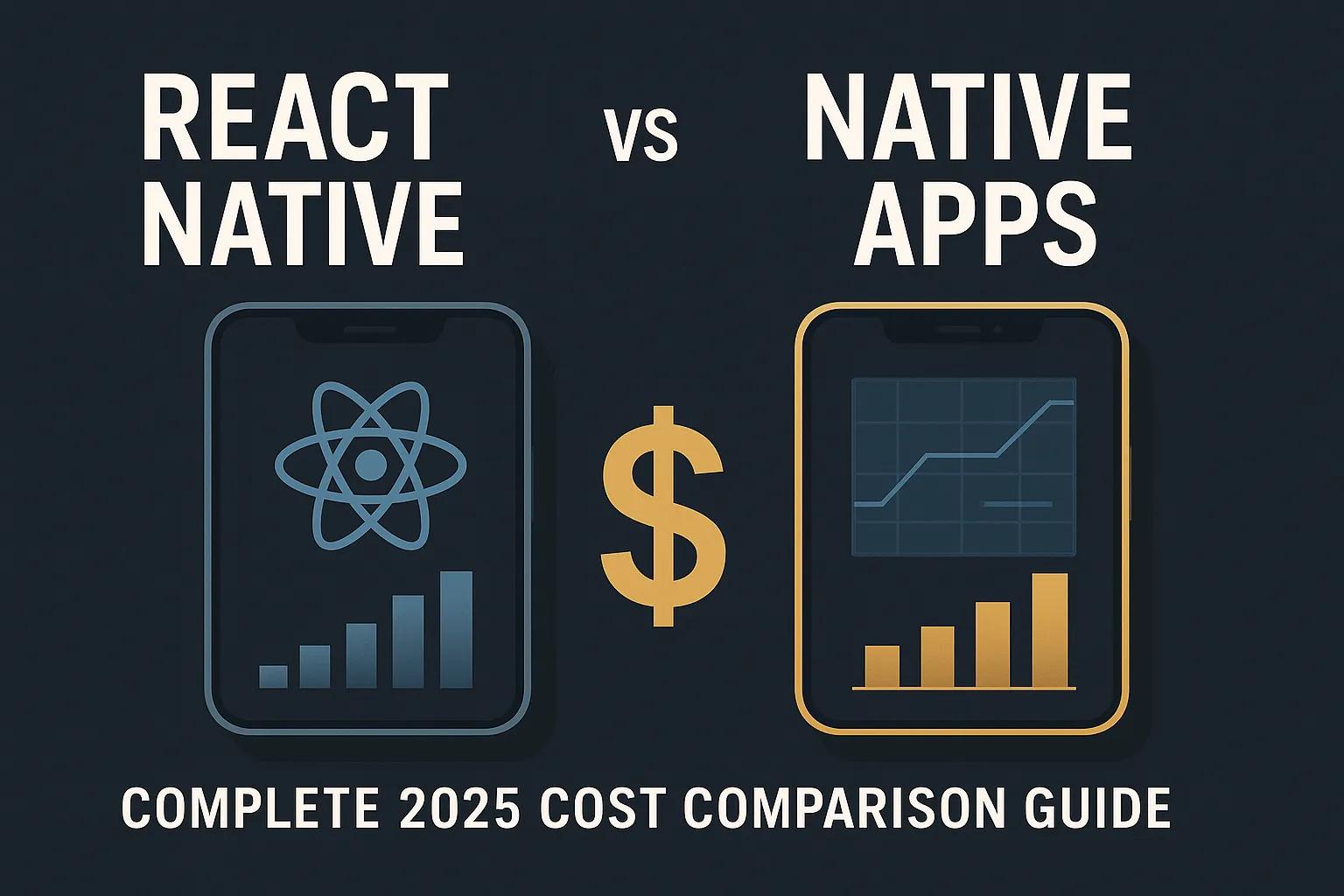
React Native vs Native Apps: Complete 2026 Cost Comparison Guide
A client recently called us with a straightforward question: "How much to build our restaurant management app?" After analyzing their requirements, we sent...
Custom Software Development in Tampa: The Complete 2026 Guide
A custom ticketing platform saved a hockey league about $44,000 a year In 2024, the Breckenridge Vipers and the Mountain Hockey League came to us with a...